RYAN BARTLETT
  • Home
  • 3D Projects
  • Technical Solutions
  • Photography
  • Resume
  • About Me

Work In Progress

CG Movie Digital Set

2/23/2017

1 Comment


The Challenge

To create a digital set to match the image from an existing CG movie. The scene should include a natural phenomena, be modeled using only SUB-D's, and be apart of a five second animated set.

Step One: CG Movie Selection

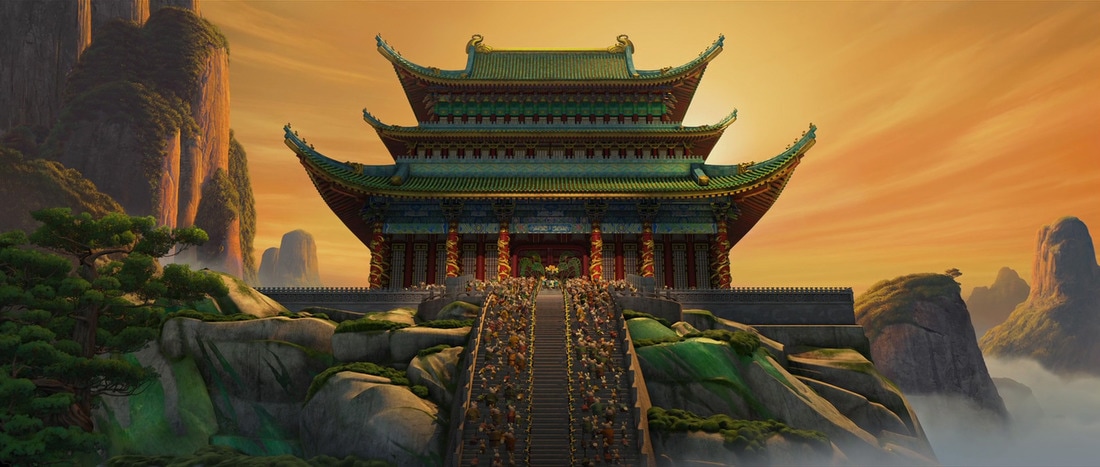
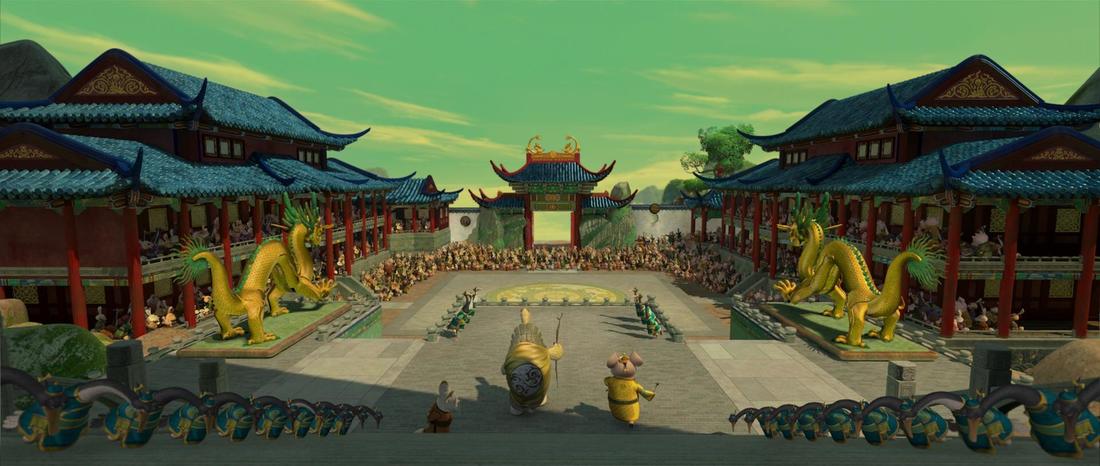
We immediately left the gates running! We began to look up all the best animated films that come to mind. Eventually landing on the film Kung Fu Panda. We knew that our team wanted to create something with a complex model and a very textured and beautiful scene. We found two scenes that intrigued us.
Picture
Picture
Upon much discussion, we decided on the first image. It fit our scope of three weeks better, while showing off a range of skills. This scene also is more striking of an image.

Step Two: Splitting up the Roles

We then discussed our strengths and weaknesses as a team and decided our tasks for the project, beginning to end.

Modeling
Matt: The rocks and staircase
Ryan: The moss, sculpted elements of the palace, and the palace foundation
Katelyn: The structural elements of the palace
Katie: The Tree

Surfacing
Matt: The stairs and foundation
Ryan: The rocks and moss
Katelyn: The architectural pieces of the palace
Katie: The palace patterns

Lighting
Katelyn

Rolling Fog Effect
Katelyn

Matte Painting
Katie

Step Three: Modeling Begins

We split up and went to work. Each person worked on their piece of the pie.

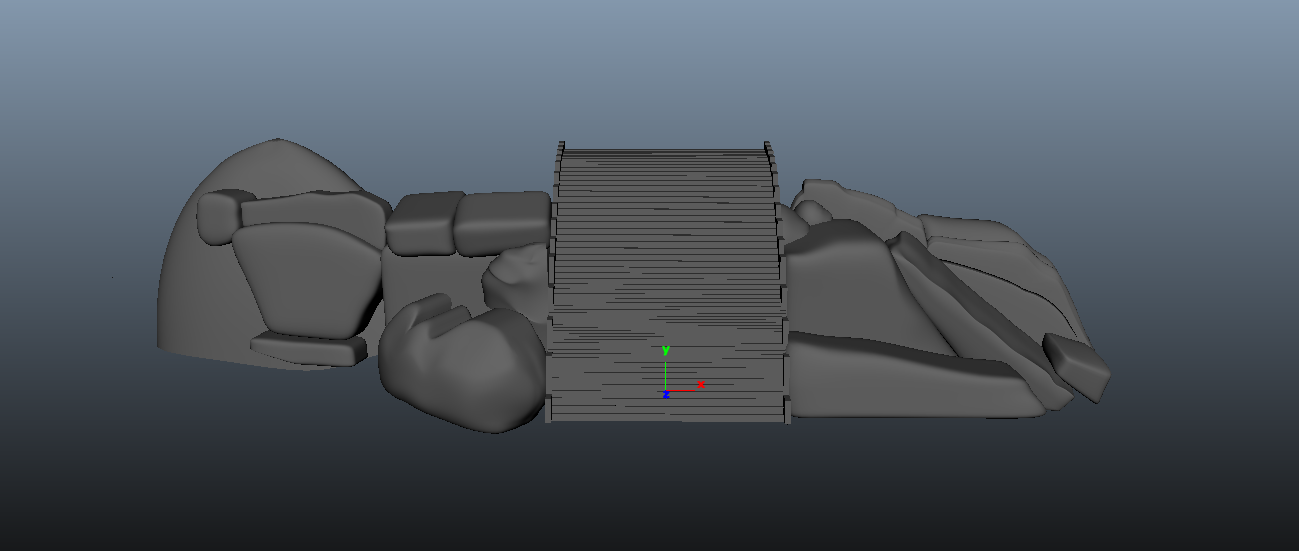
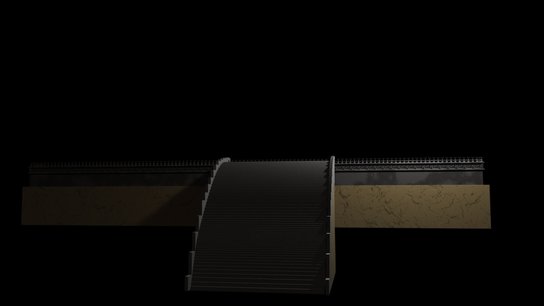
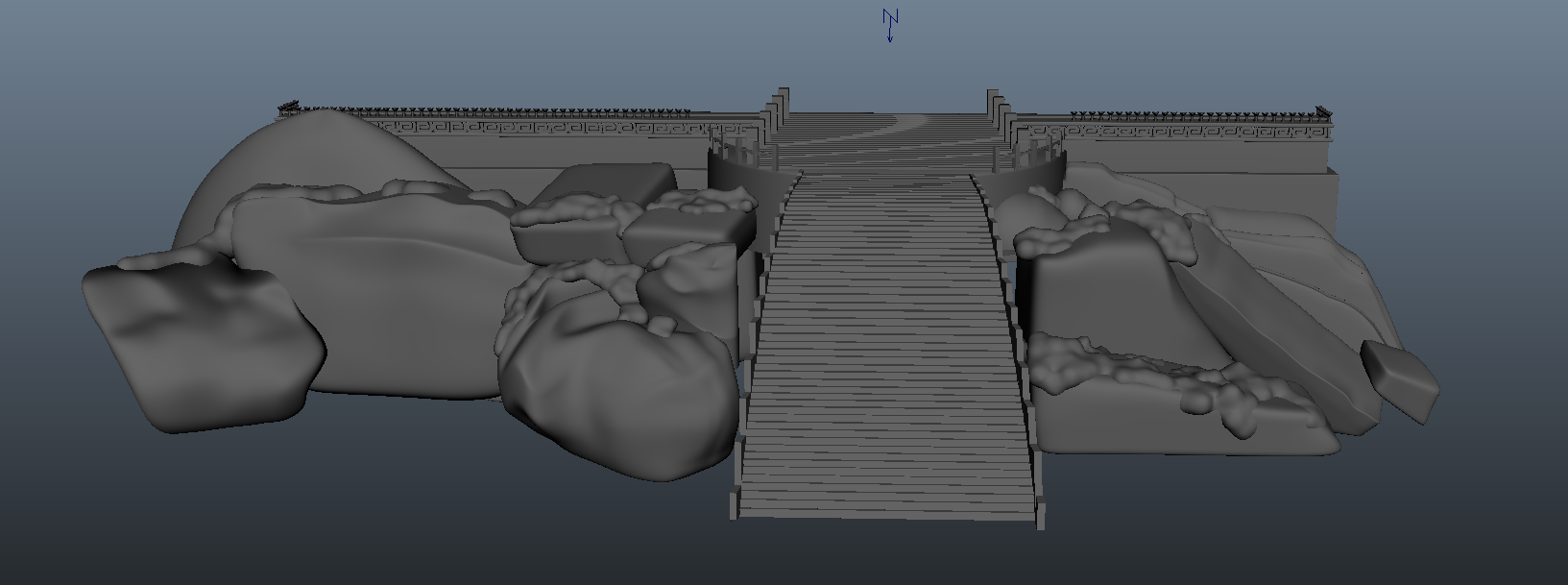
Matt created the stairs and rocks to go in front of the palace
Picture
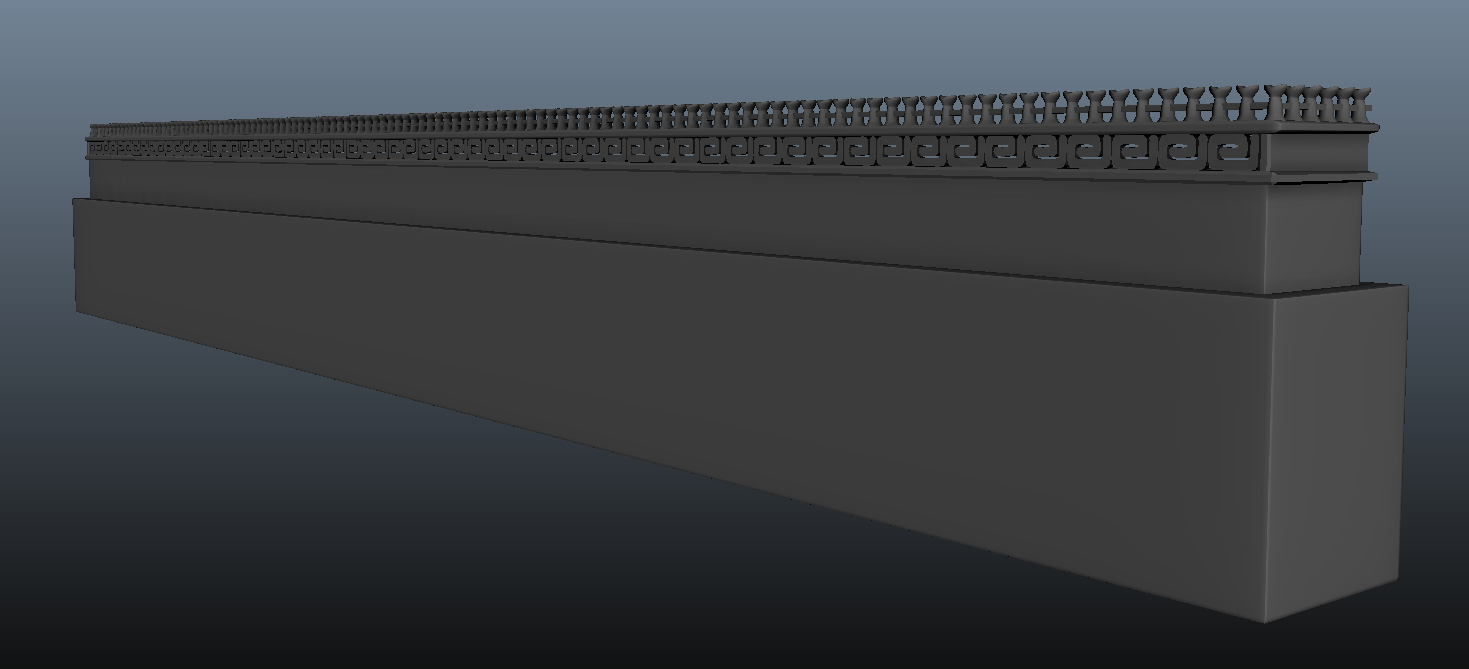
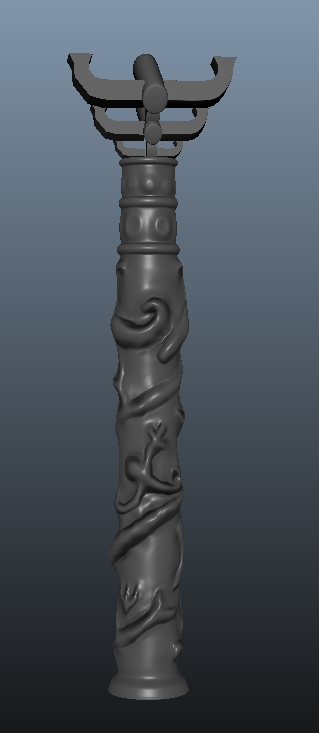
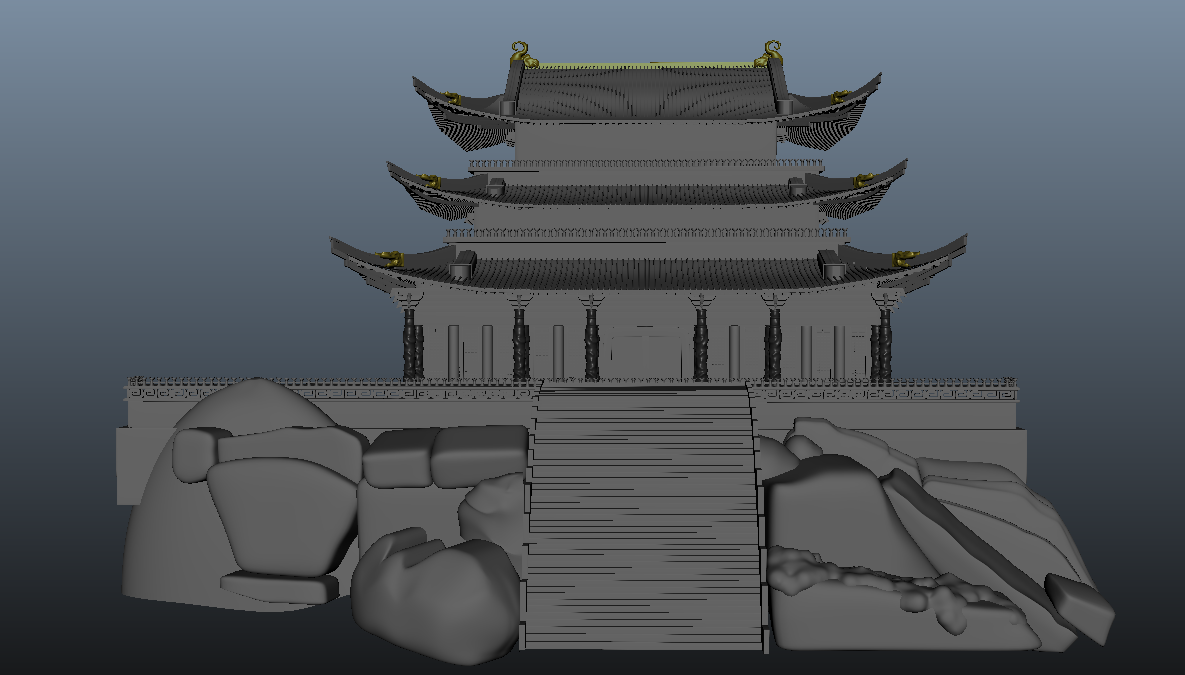
Ryan quickly modeled the foundation of the temple using duplicate tool, then sculpted the "elephant" topper, the roof dragons, and the main detailed pillars in Mudbox. Overall, they are a tad messy-looking, but they are seen from a distance so they work perfectly for the scene.  
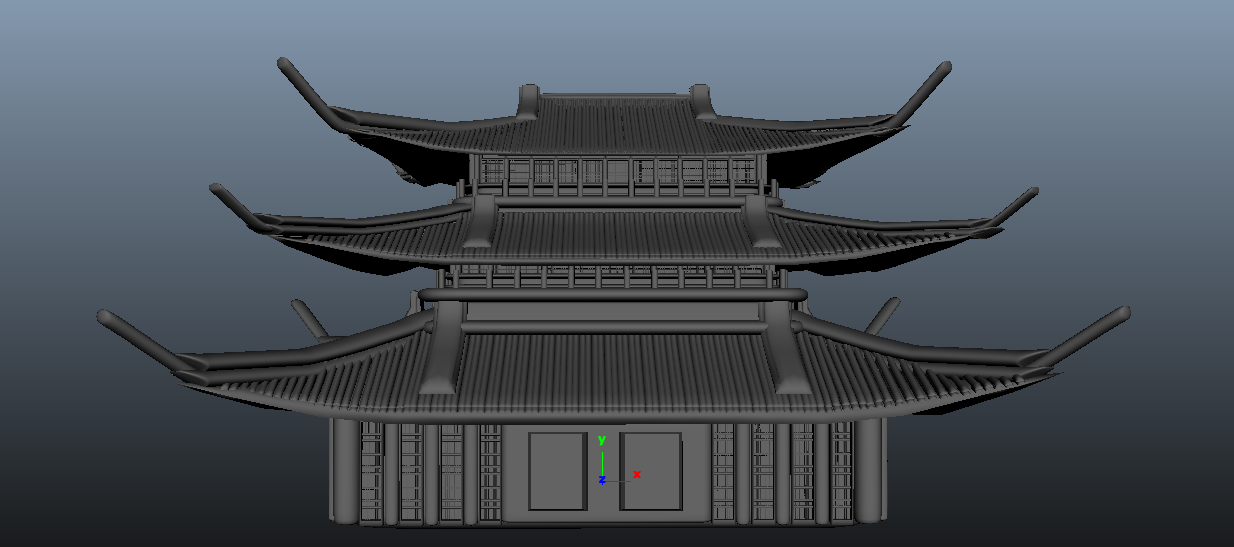
Katelyn put her head down and created the structural foundation of the Jade temple
Picture
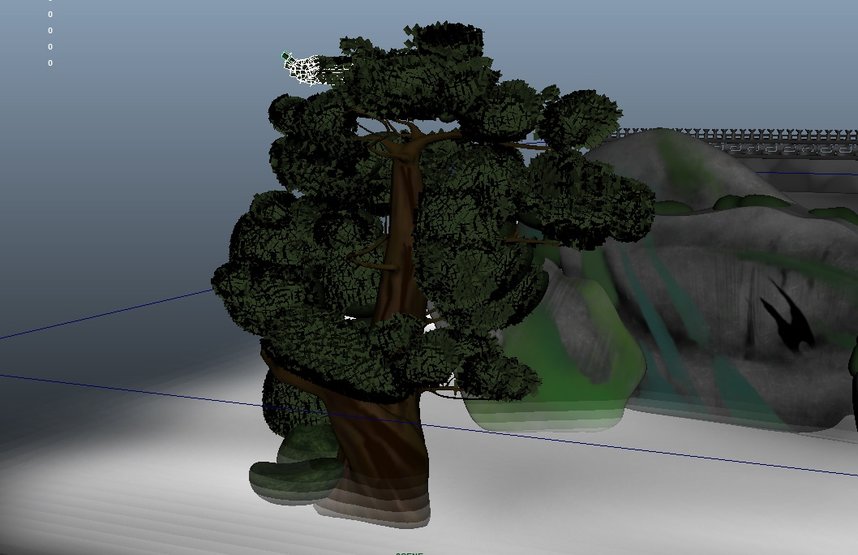
Katie modeled and textured the tree, and then created the leaves to match the reference
Picture

Step Four: Set Dressing and Reference Matching

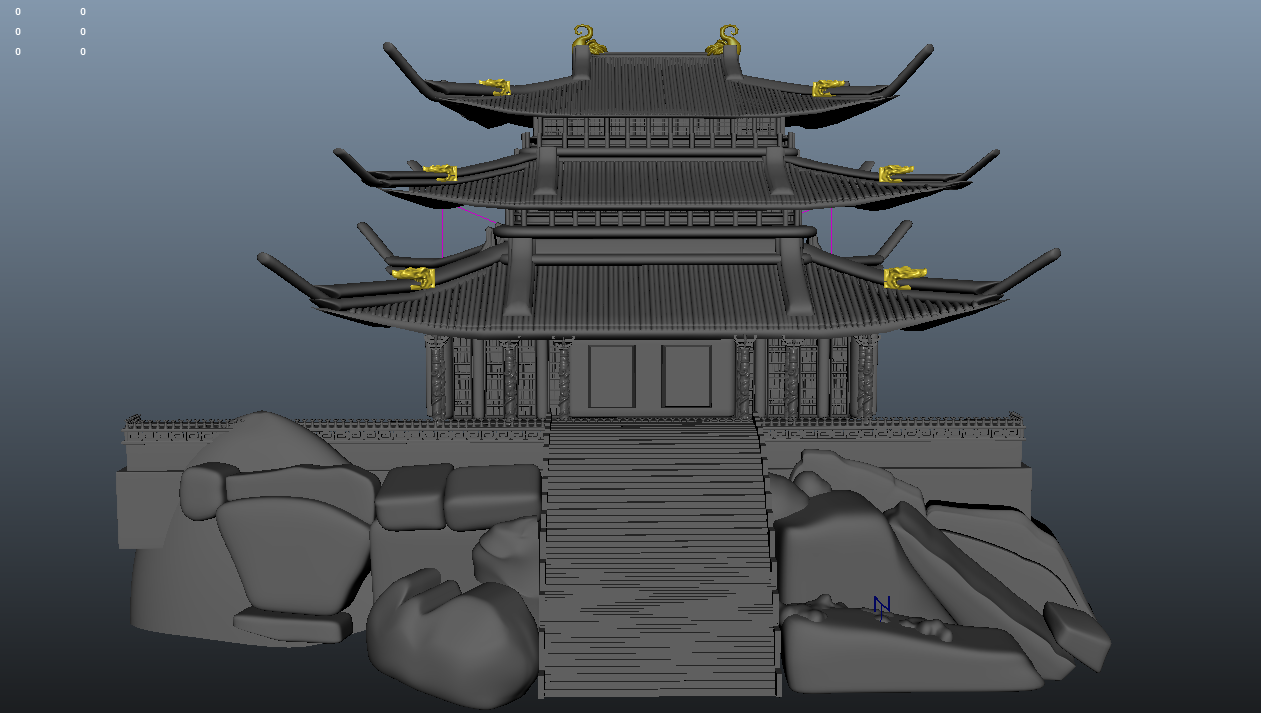
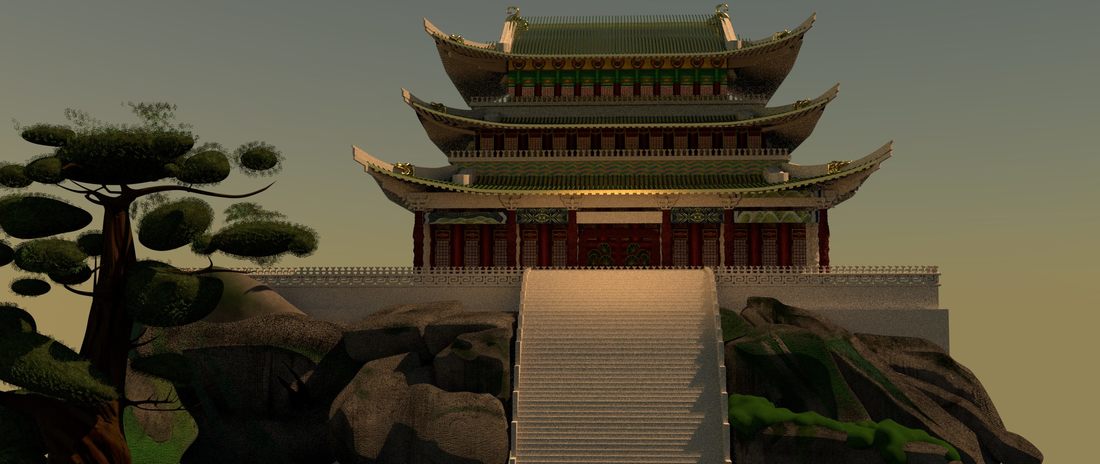
Once all of the models were created, Ryan went through and created a master file and matched the reference as close as possible.
Picture
Once the scene was collected, Ryan realized that some parts didn't match up with the reference exactly. He then went in and addressed these issues in the model and tried to match this up as close as possible. Using the soft select tool, to achieve the bend in the roof, and the duplicate tool to achieve the railings, roofings, as well as, the multiple tiers.
Picture
 The retouched version was then ready to be surfaced

Step Five: Surfacing the Scene

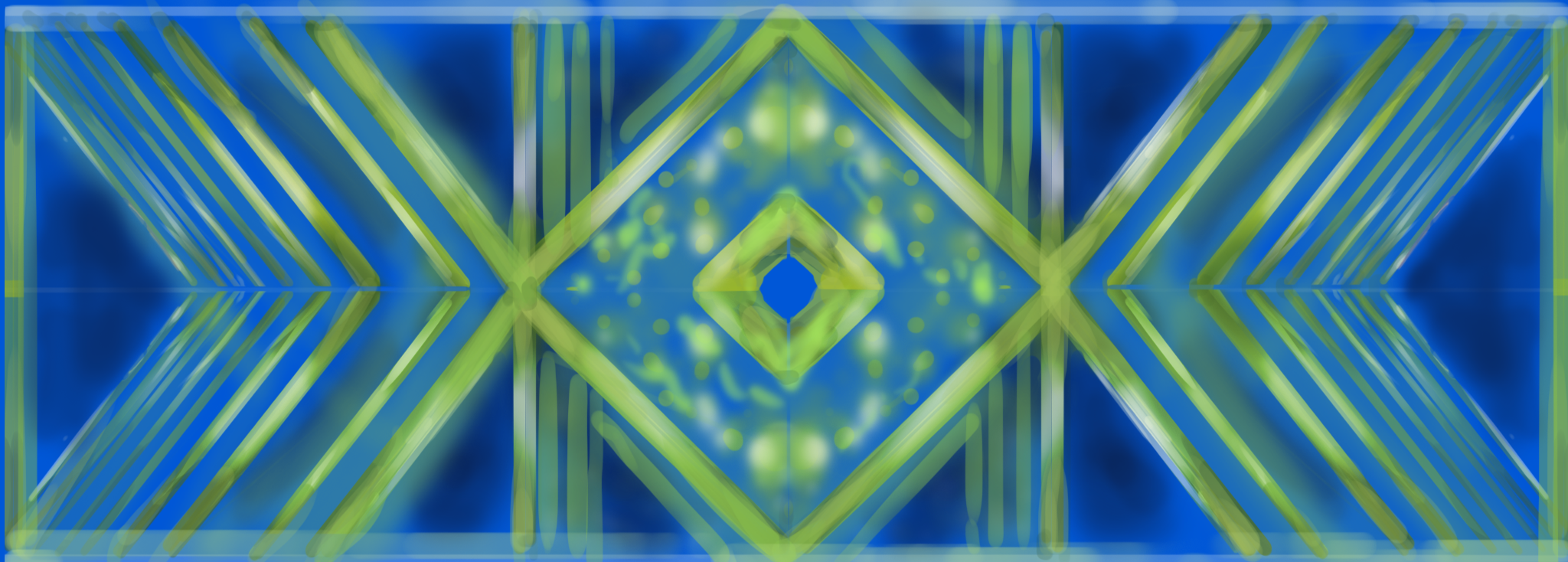
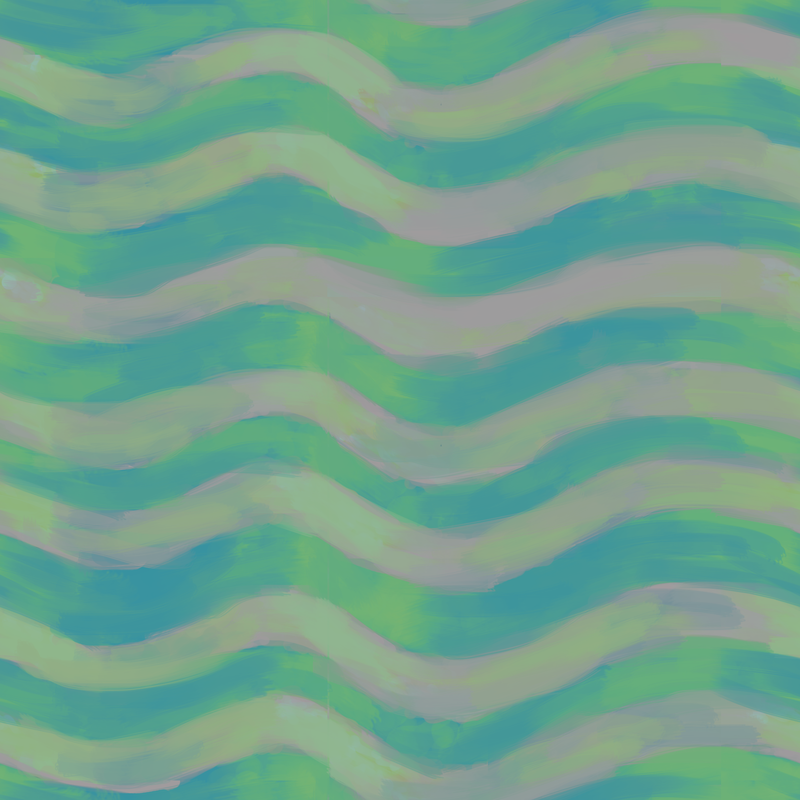
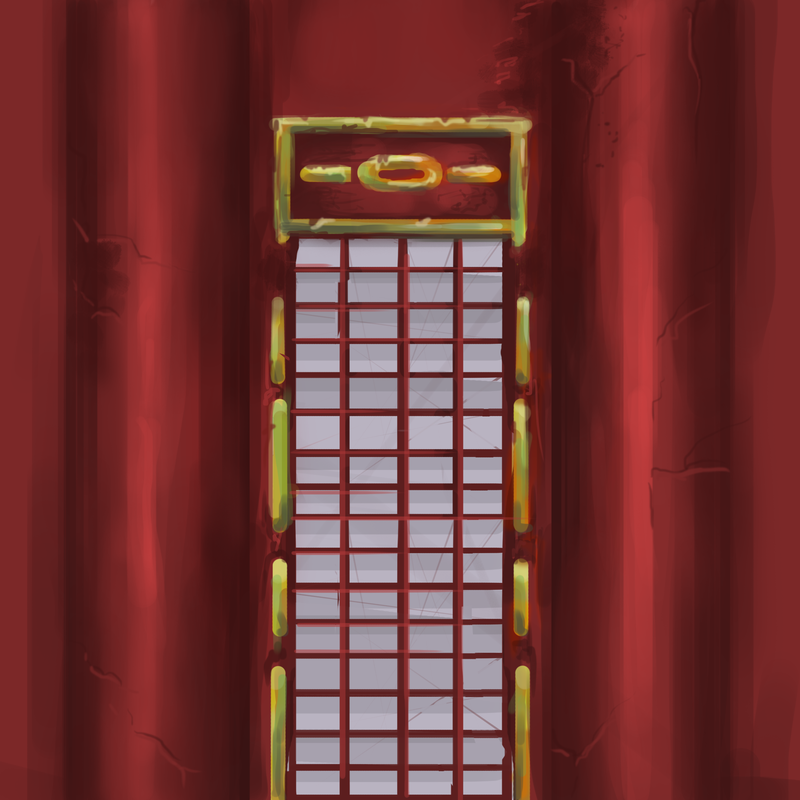
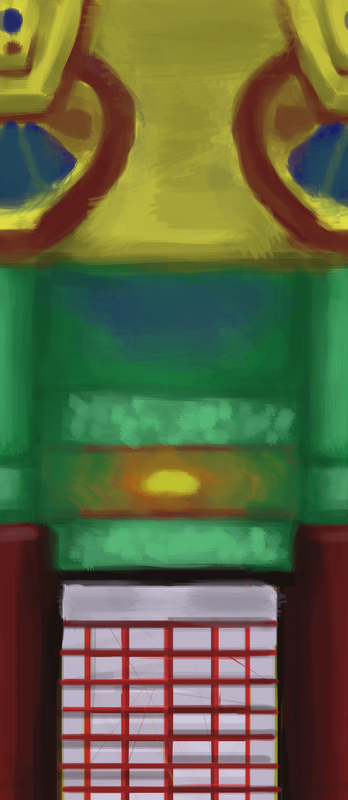
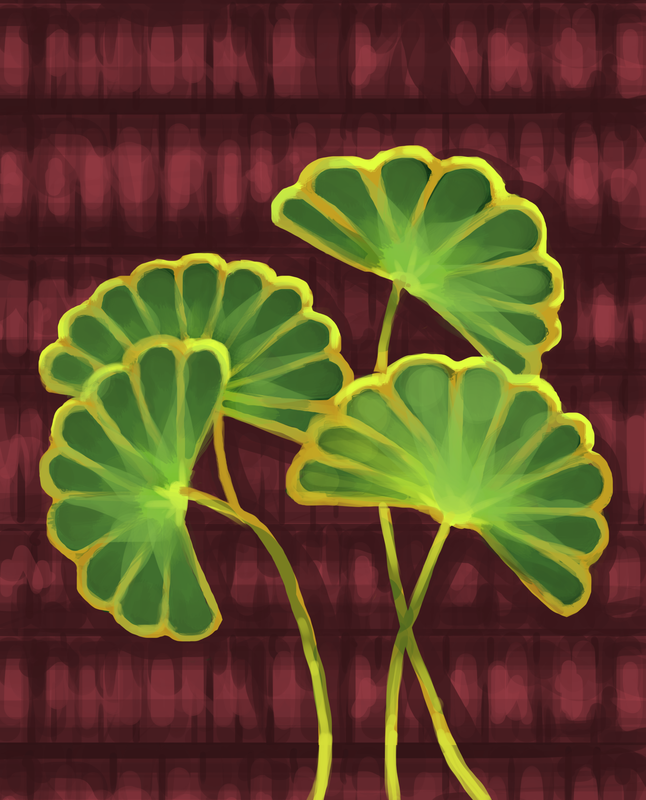
While the models were being finished, Katie went to town on the painted textures for the palace. She created the  patterns for the lower hang, and tillable textures for the main faces, so that when the models were completed she could slap them onto them and adjust. She then began to create texture after texture, for the rocks, the roofing, and the door. She used a mixture of Photoshop, Substance Designer, Substance Painter, and RenderMan materials. Here are just a few of the hand painted textures.
At the same time, Matt was texturing the foundation and stairs to round out the textures.
Picture

Step Six: Adjusting for Incomplete Models

As textures began to be placed, we realized that a part of the stairs was incomplete, the roof panels were misplaced, and the moss needed to be modeled. Ryan tackled these. Not knowing the best way to go about creating this natural model. He asked his peers and discovered a technique called Metaballs. In which, you can create spheres that when colliding, morph into one another. This technique worked very well and the moss was created. The stairs were missing a simple addition of a cylinder, railings, and another layer of stairs, these were quick and easy. Lastly, the roof was a quick soft select to move it back into place.
Picture

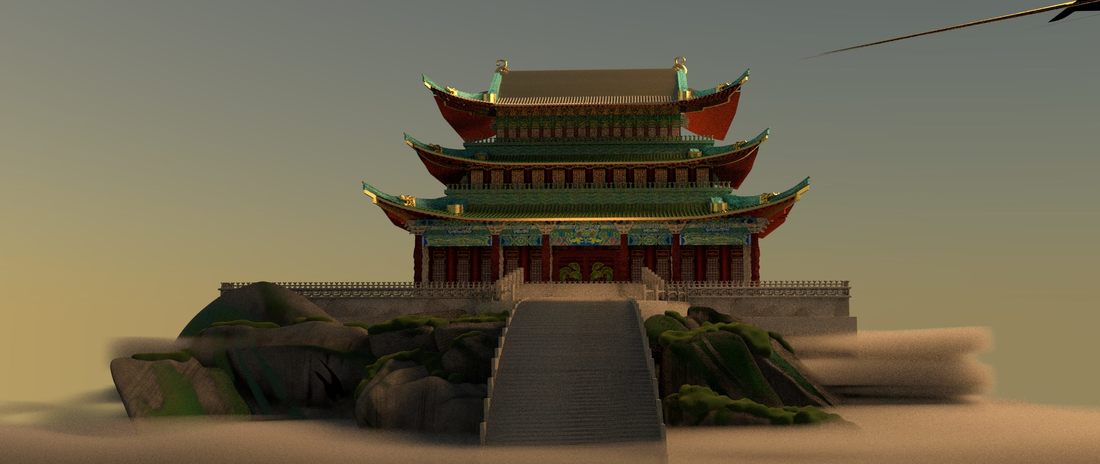
Step Seven: The Rolling Fog Effect

Katelyn tackled the natural phenomena using maya fluid effects. She went in and tweaked the settings to achieve similar results from the still reference photo, to achieve the animated motion we were thinking of.
Picture

Step Eight: Finalizing textures

At this point, most of the scene is completed. The main remaining pieces are the final textures. Due to the large amount of different patterns and panels, Katie was continuously pushing out the texture, but they took time. Nearing the end, Ryan and her combined to finish the remains textures for the moss, pillars, and panels.
Picture

Step Nine: Lighting and Color Correction

As the textures were being finalized, the lighting was being tweaked along the way. Katie set up the initial lighting of the scene.then others got on an tweaked it to completion. As the lighting was nearing the end, the textures became less vibrant than the reference. Katie went in and adjusted those accordingly. She first matched the correct base color to the lighting, then went in and adjusted the texture to the new color.  
Picture

Step Ten: Rendering and Compositing

We decided early on that the best way to render was in layers. Because the camera doesn't move, we only need a single frame render of the house. The other part of the scene is the fog, which we decided to render out with the rocks and stairs to simplify the scene and to negate the background fog.
Picture

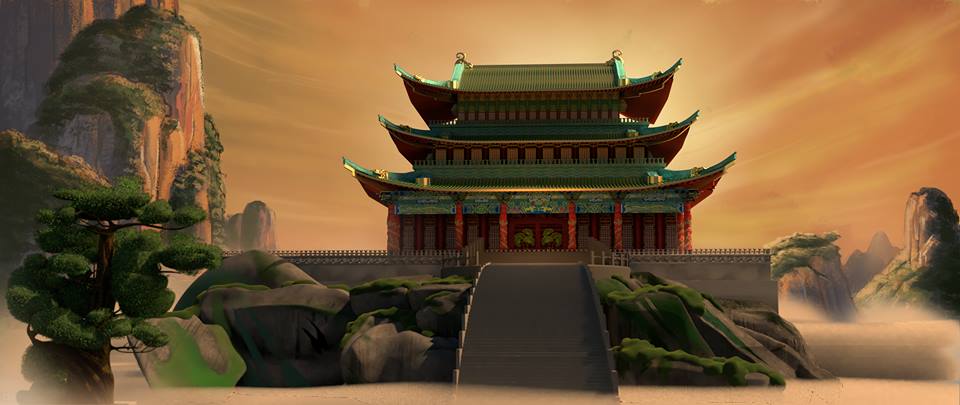
Step Eleven: The Final Product

1 Comment
Julian link
8/20/2024 01:07:06 pm

Hi thanks for possting this

Reply


Leave a Reply.

    Author

    Howdy!
    Welcome to my blog!
    ​Here I will be updating y'all on my work this Spring at Texas A&M.

    Categories

    All
    Digital Environments

    Archives

    April 2017
    February 2017

Home

3D Projects

Technical Solutions

Photography

Resume

Contact

Copyright © 2017
  • Home
  • 3D Projects
  • Technical Solutions
  • Photography
  • Resume
  • About Me